Issue invoices the way your clients need them.
Upload a PDF, create an invoice, or connect your ERP. We deliver it automatically in the right format.
Centralized Invoice Exchange
Five ways to issue invoices
Choose the workflow that fits your volume, from manual to fully automated.
Start manual and automate when you need it.
Dedicated email
Send a PDF to your dedicated Inboices email address. We automatically process and route it to your client.
Upload a PDF
Drag & drop existing PDFs from your system directly into the platform for instant delivery.
Create invoice manually
Use our simple step-by-step wizard. Perfect for occasional invoicing without external software.
Smart generator
Select a saved Client + Service. We generate and issue the invoice in one click.
ERP/POS integration
Connect your POS or ERP. We pull the data and issue invoices automatically without you lifting a finger.
Beyond the invoice
Tools to manage the entire lifecycle of your sales, from proposal to payment.
For providers with volume or complex processes.
1Pre-Invoice Management
Contracts & Services
Define recurring services and contract terms for auto-billing.
Drafts & Quotations
Create pro-forma invoices and get approval before issuing.
2Post-Invoice Control
Payments & Collections
Track payment status, reconcile bank transfers, and manage dunning.
Sales insights (AI)
Understand who buys what, when, and predict future revenue.
Send an invoice without creating an account
Our universal form detects client and provider, creates the relationship, and delivers the invoice instantly.
Go to Universal InvoiceAutomated Invoice Requests
Invoice request
Convert receipt requests into invoices without interrupting your business.
Reply by email
Reply to the request email with the PDF attached. We deliver it automatically.
Upload from your system
Generate the invoice in your current system and upload the PDF as a response.
Generate in Inboices
Create the invoice in Inboices, manually or automatically, and send it in one step.
Plans for issuing invoices
Scale from simple PDFs to full operations.
Providers Free
Send invoices without friction
Providers Advanced
Automate issuing
Providers Pro
Full operations
Integrations for issuing at scale
We support 200+ integrations. We will review the best path in a call and connect your stack end‑to‑end.
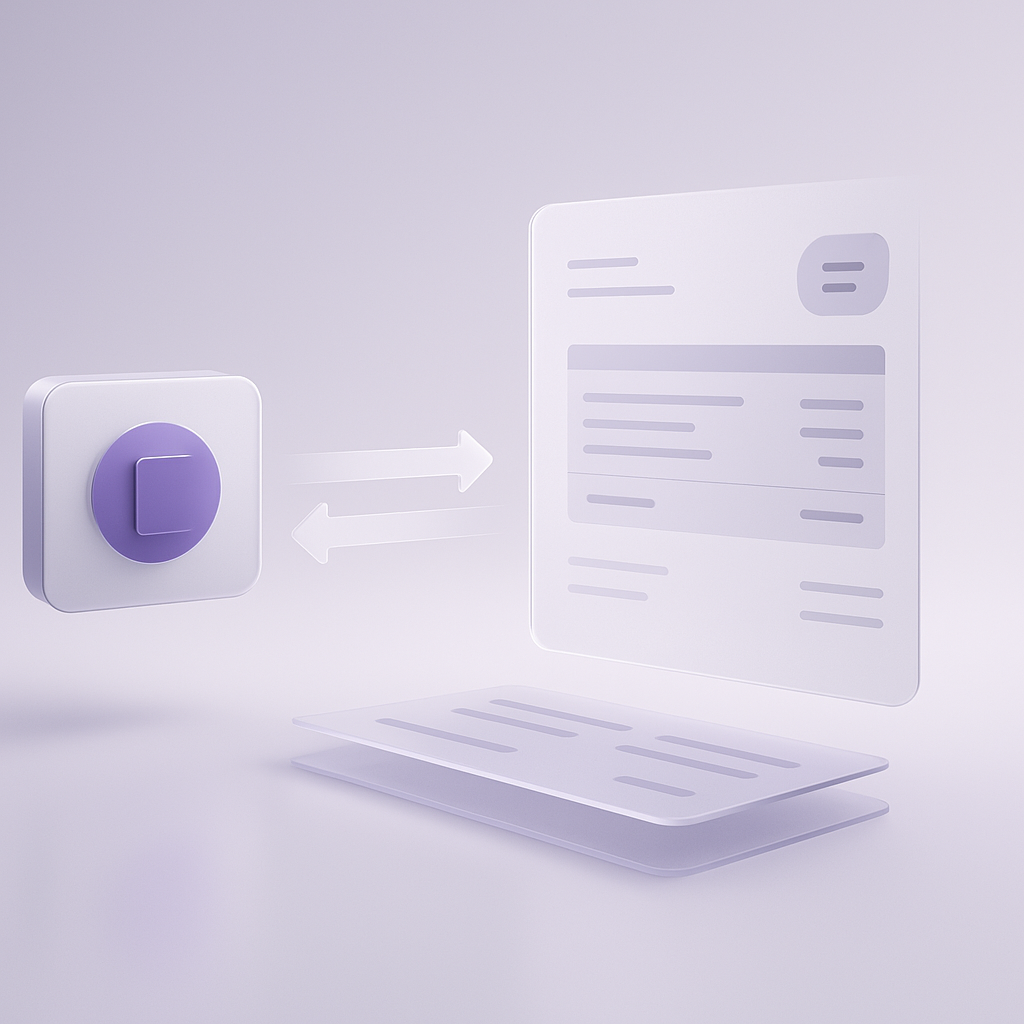
Standard software systems
Connect ERP, POS, and billing tools quickly. We standardize data and keep delivery status in sync.
Proprietary systems
If your stack is custom, we integrate it. Your team can consume our API, or we connect to yours.
Integration paths
- Use our API to push invoices and statuses.
- Expose your API so we can integrate directly.
- Hybrid workflows for mixed stacks.
Frequently asked questions
FAQs for providers
What is Inboices for a provider?
Inboices is the exchange layer between you and your clients.
It lets you issue and deliver invoices in the right format, respond to invoice requests, and keep shared status without endless emails or errors.
Do I need to change how I invoice?
No. You can keep working as usual:
- Send PDFs
- Use your ERP or POS
- Create invoices manually if needed
Inboices adapts to your workflow, not the other way around.
How do I issue invoices with Inboices?
You can issue invoices in several ways:
- Send a PDF by email
- Upload a PDF from your system
- Create the invoice in Inboices
- Integrate your ERP or POS for automatic issuing
Start manual and automate when you need to.
What is an Invoice Request?
It is a standardized request you receive when a client needs an invoice for a receipt or prior purchase.
Instead of scattered emails, you get:
- The correct data
- The transaction context
- A single channel to respond
How do I respond to an Invoice Request?
You can respond in several ways:
- Attach the PDF by email
- Upload the PDF from your system
- Generate the invoice directly in Inboices
Once sent, the invoice is delivered to the client automatically.
Do I need to register to respond to requests?
Not always. You can respond by email without creating an account.
If you want automation, integration, or to handle volume, then registration makes sense.
What do I gain using Inboices as a provider?
- Fewer emails and calls
- Fewer fiscal data errors
- Less time managing requests
- Happier clients
- Invoices delivered correctly and on time
Does Inboices charge providers for receiving requests?
It depends on the plan and automation level.
- Start free with manual issuing
- Advanced plans are for volume and automation
- No hidden costs for responding to a one-off request
When does it make sense to integrate my ERP or POS?
When:
- You receive many invoice requests
- You issue many similar invoices
- You want to reduce manual work to a minimum
Integration lets you issue invoices automatically without human intervention.
Does Inboices replace my invoicing software?
No.
Inboices does not replace your ERP, POS, or accounting system. It acts as a delivery and exchange layer between you and your clients.
Do my clients need to use Inboices?
No.
Inboices manages the relationship so you can issue and they can receive without forcing either side to change systems.
Does Inboices guarantee legal compliance?
Inboices facilitates correct invoice exchange, but it does not replace your legal obligations or your clients'.
Your invoicing system remains the basis for compliance.
Can I start for free?
Yes. Start with manual issuing and scale to automation when needed.
Can I stop using Inboices anytime?
Yes. There are no long-term commitments.
How do I get started?
Create an account and start issuing invoices or responding to requests from day one.
Issue invoices without friction.
Standard requests, fewer errors, and delivery in the format your clients require.
Issue invoices